Connect to Host Machine via SSH
- You can connect to the device using serial port or WIFI
- Please prepare in advance MobaXterm_Personal or other SSH terminal tools
- Please ensure that the SD card or M2WE has been burned with the corresponding host machine system
- If the host machine cannot start normally, please remove all peripherals such as drivers, limiters, fans, etc.!
- Finally, connect to SSH via the network for firmware compilation!
- For firmware compilation, see the tutorial on connecting the host machine via WIFI or Ethernet
- Serial Port Connection
- Network Connection
Connect to Host Machine SSH via Serial Port
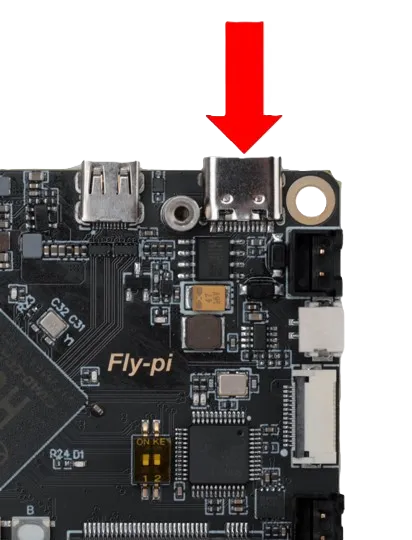
- Use a USB Type-C cable to connect the FLY host machine to your computer
- For other host machines, please query the connection method yourself!!
- FLY-Pi v2
- FLY-Pi v2 port
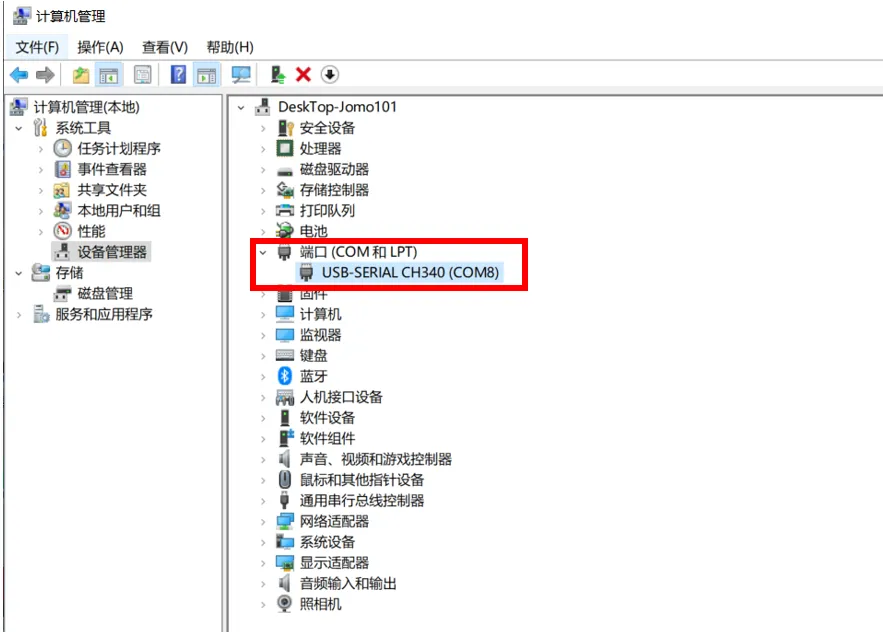
- If the motherboard is connected normally to the computer, open Device Manager, and you will see the CH340 port
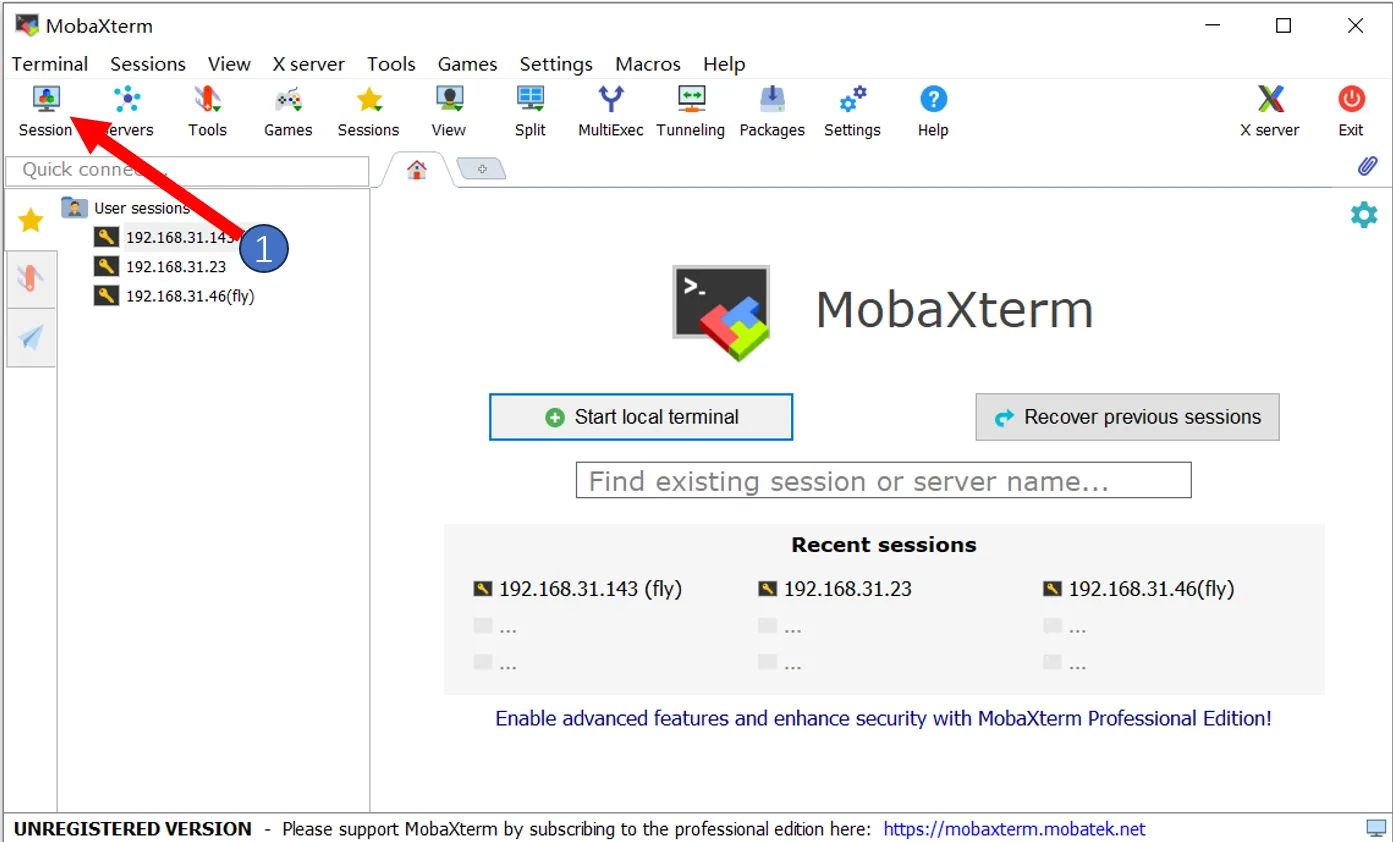
- Open
MobaXterm, set it up as follows, select the port seen in Device Manager

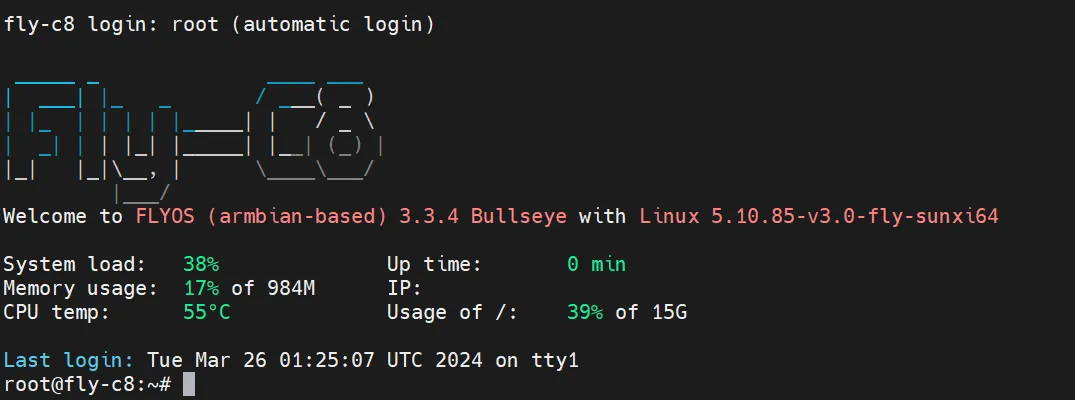
- If everything is normal, you should see the boot screen
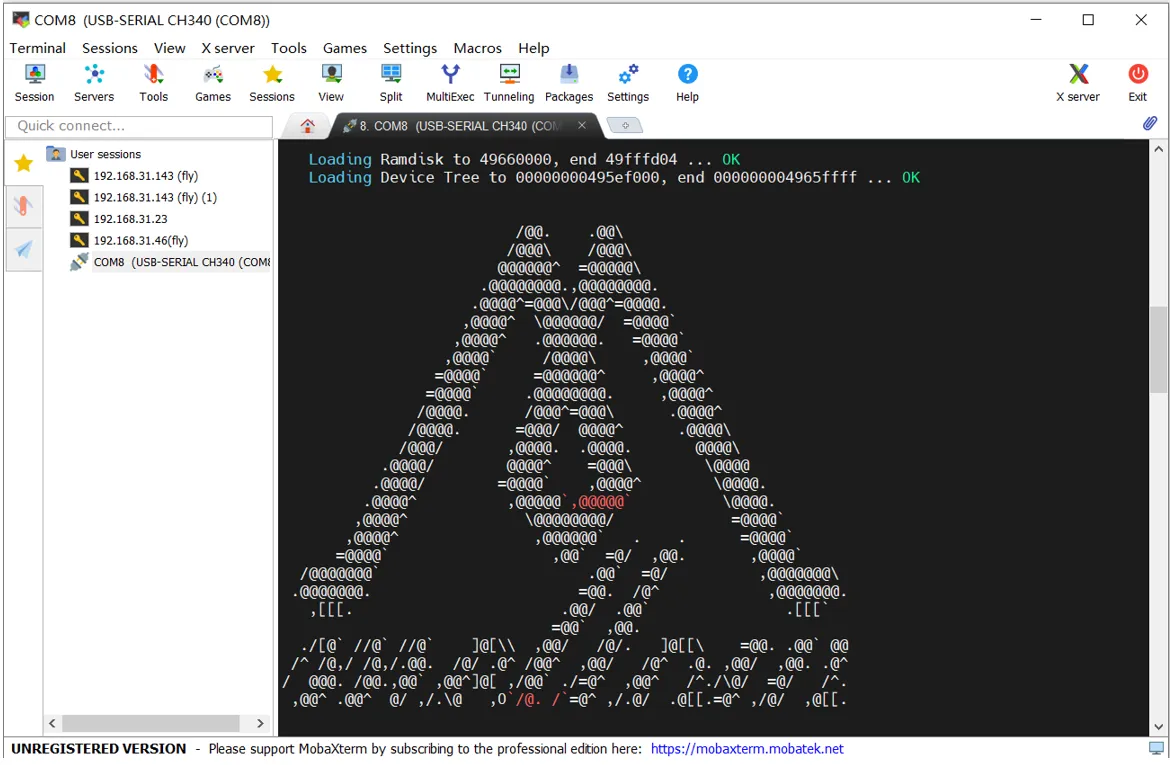
- Wait a moment, and this screen indicates that it has started
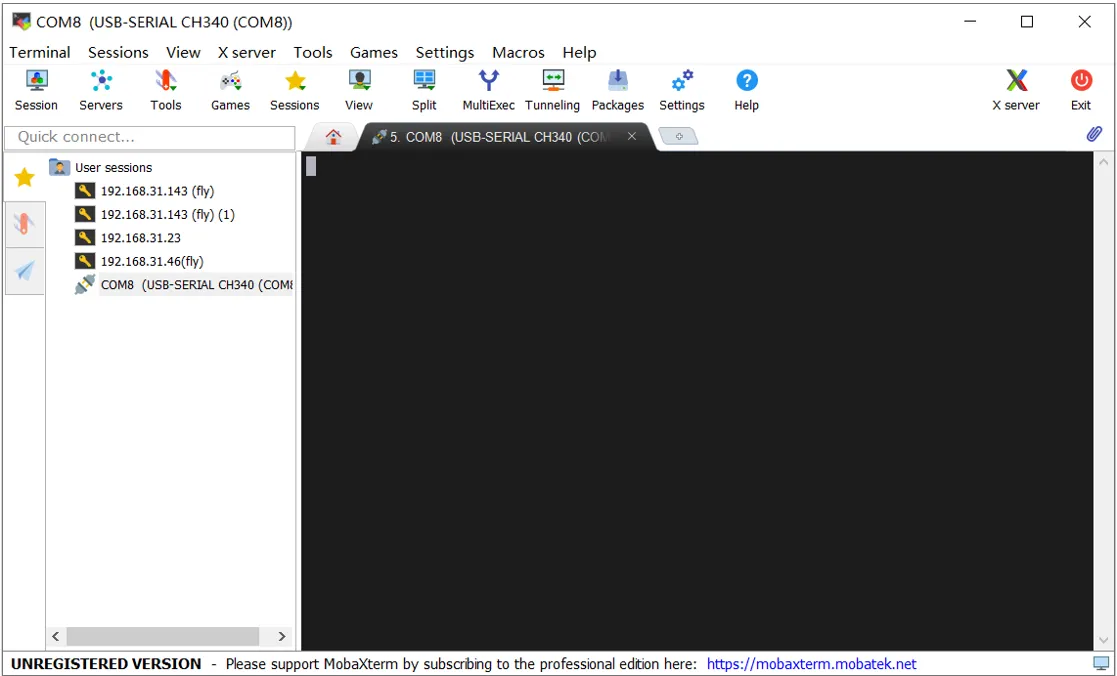
If after a few minutes, as shown in the following image, there is no display, press the Enter key a few times
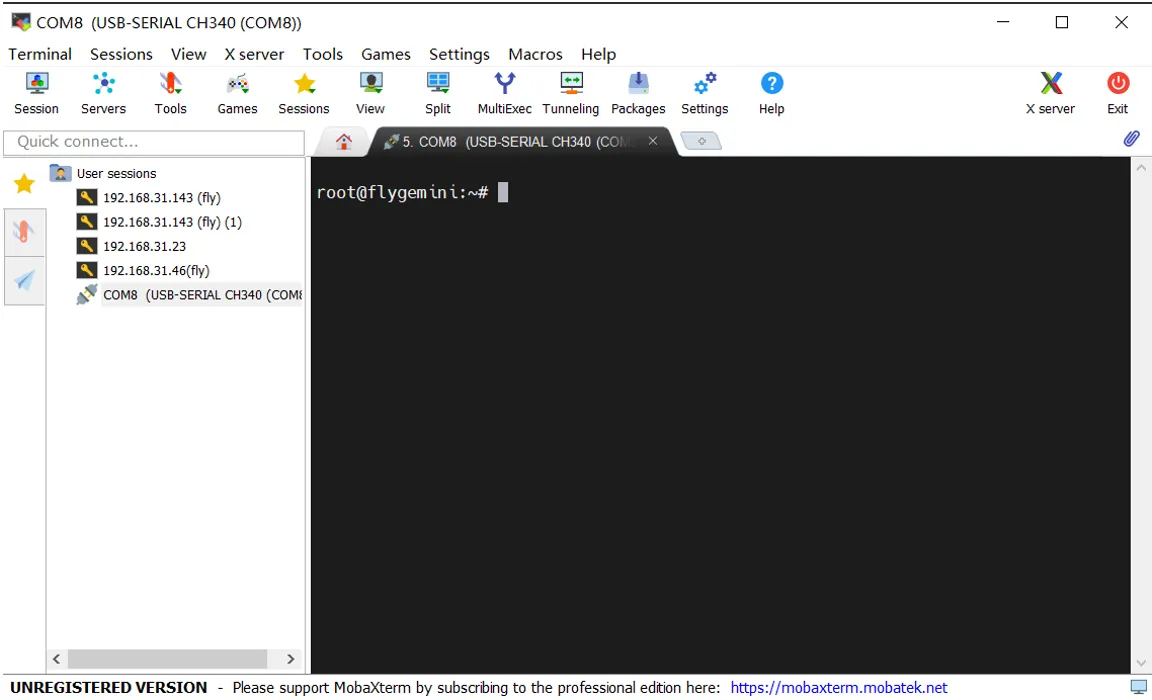
After pressing Enter, the following content will appear
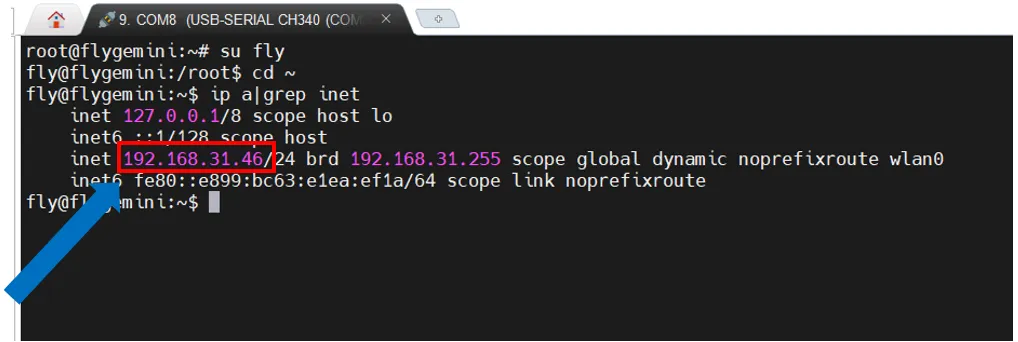
- To view the IP address, enter
ip a | grep inetin the SSH and find the IP address that matches your router in the returned content
Connect to Host Machine SSH via Network IP
- Please log into the router backend of the connected host machine
- Ensure the system has already started normally
- Ensure you know the username and password of the host machine, the FLY system's default username is fly, default password is mellow
- If the motherboard has started and is connected to the network, you can use the IP to connect to SSH
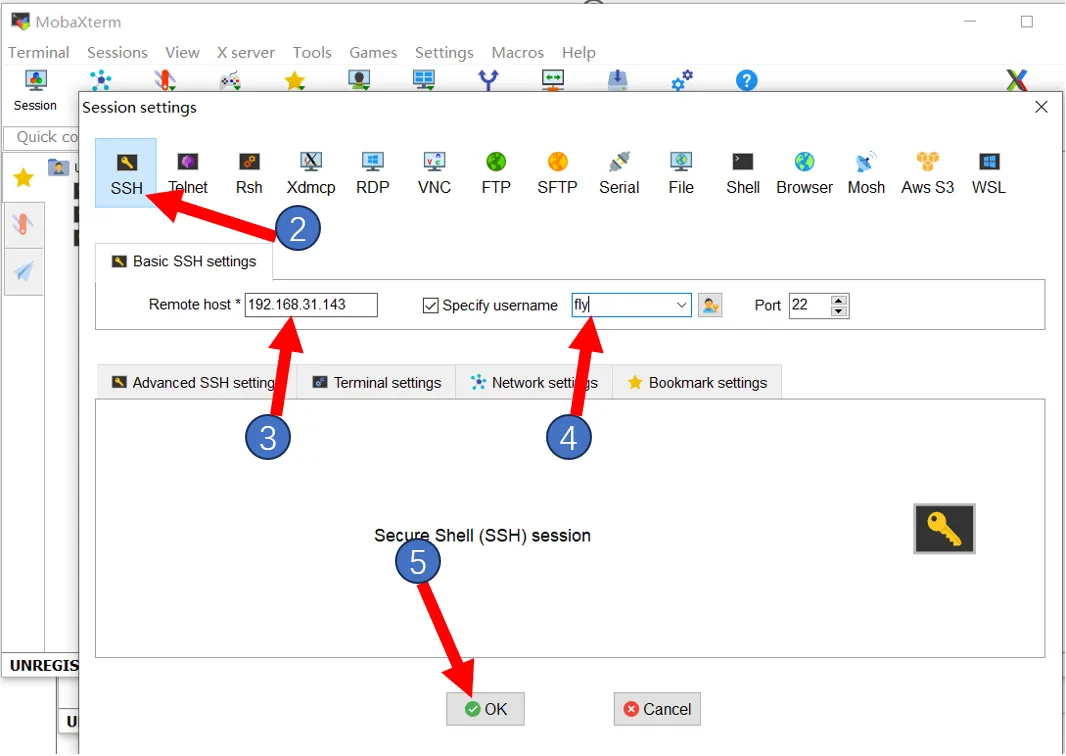
- Open MobaXterm, set it up as follows, fill in the IP address you saw earlier, or check it in the router backend
Note: Here in step 4, input the username of the host machine
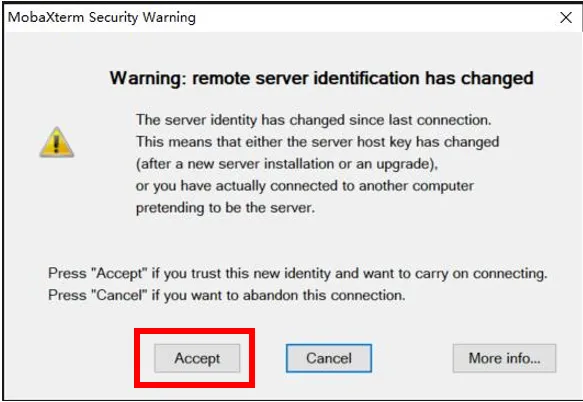
- The first connection will prompt this window, click
Accept
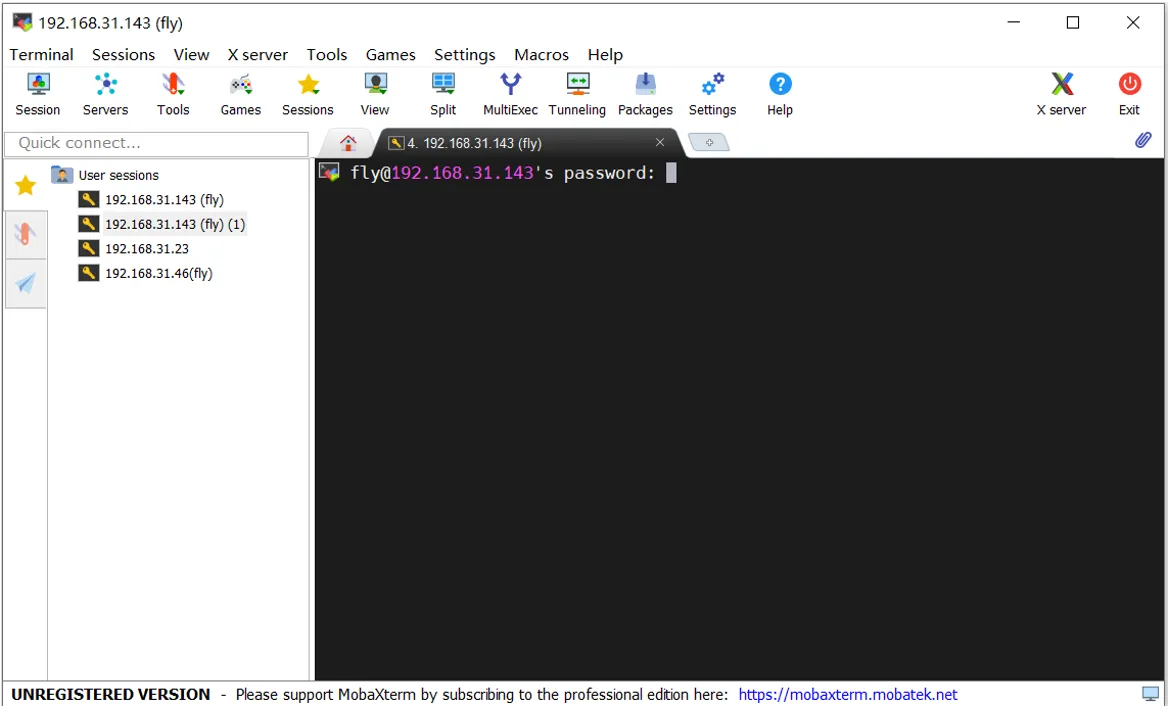
- Prompt for password, enter the host machine password and press Enter
Note: Here the entered password is not visible, just press Enter after typing
The default username for the FLY system is: fly, password is: mellow
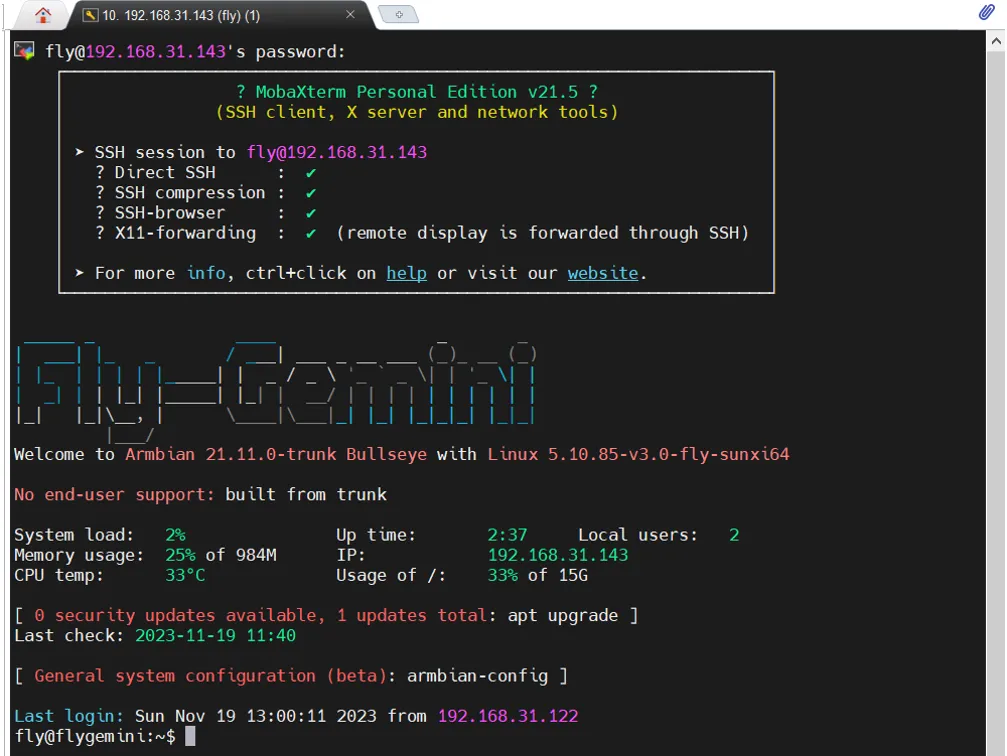
- Login successful